Design & Creative software profile
Canva
A browser-based design tool for marketing graphics and everyday content.
Canva helps individuals and teams create presentations, social posts, documents and marketing assets using templates and a drag-and-drop editor. It is accessible for non-designers, while advanced brand controls, premium assets and team features depend on the plan.
Last editorial review: November 7, 2026. Vendor pricing and features can change; confirm current terms before buying.
Research basis: desk research using public product and pricing information. This profile is not a claim of hands-on testing.
Inside the product
A look at the interface.
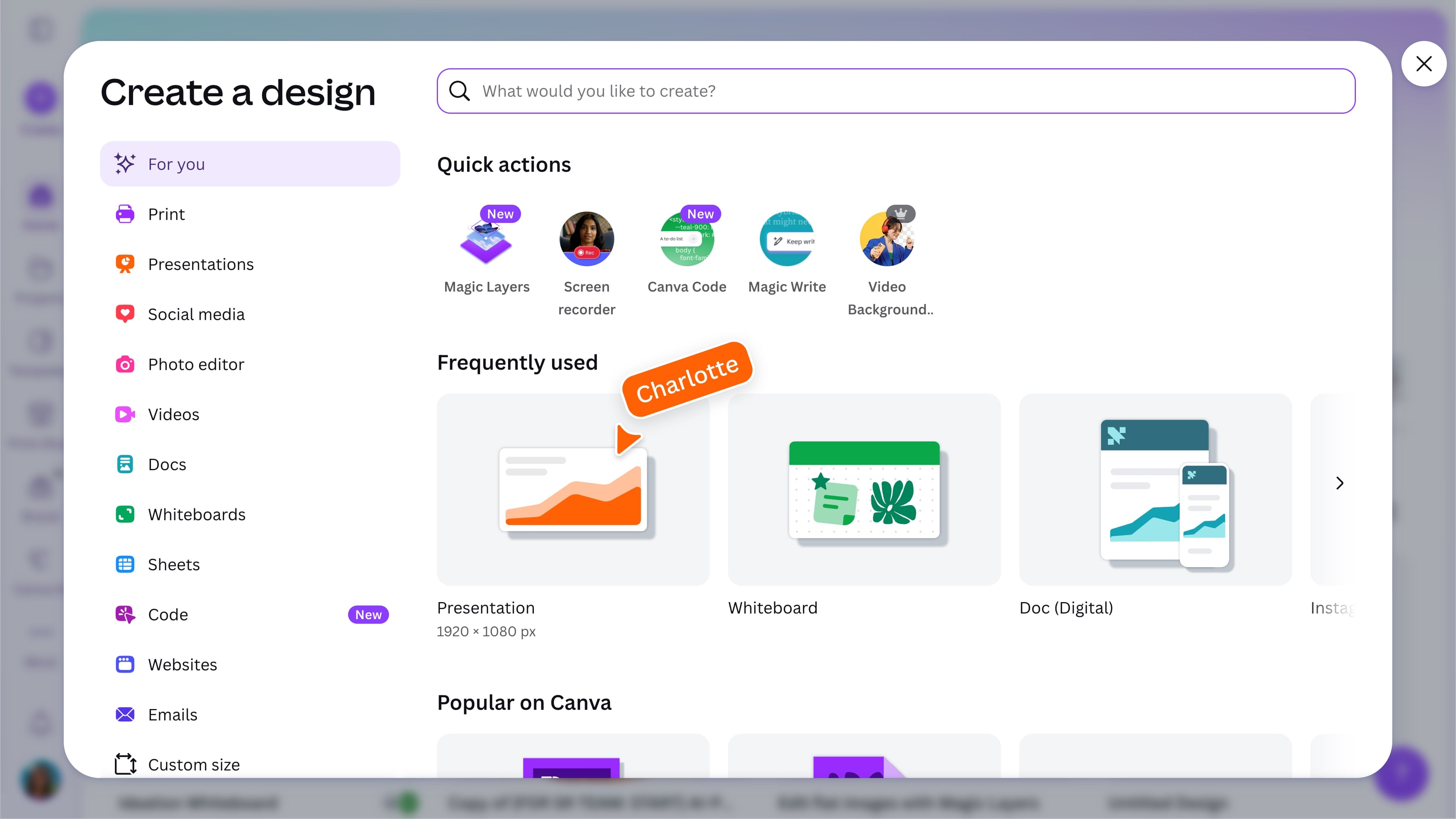
Product imagery is credited to the linked source. Screenshots may be older or vary by plan and region. StackPick is an independent guide, not the software provider.
At a glance
Who should consider Canva?
- Freelancers creating social media and client graphics
- Small businesses producing everyday marketing content
- Teams that need templates and shared brand assets
Key capabilities
Where it can work well
- + Low learning curve for common design tasks
- + Large template and asset library
- + Useful for repeatable marketing content
Trade-offs to check
- – Premium assets and features require paid access
- – Template-led work may look less distinctive without custom design
- – Advanced production workflows may need specialist design software
Pricing & free plan
Check the limits, not just the headline price.
Canva Free is $0. The US pricing page lists Canva Pro at US$144/year for one person; team and business pricing, AI allowances and regional rates can differ. Check the local account pricing before purchase.
Free-plan check
Yes. Free includes the editor, thousands of templates and design types, selected assets and 5 GB cloud storage. Premium assets, Brand Kits, AI use and team controls have plan limits.
More Design & Creative software
Explore other tools in this category and compare their plan limits, workflows and trade-offs.
Community experience
Reviews from users.
Only reviews approved by StackPick moderators appear here. A submitted review is not published immediately.
Share your experience
Sign in or create an account to submit a review. Email confirmation may be required before you can sign in.
Sign in to review